
RAM Cleaner & Flusher Pro
The Ultimate Safe Memory & Standby Cache Optimizer for All Windows Versions (7, 8, 8.1, 10, 11 & Server | 32-bit & 64-bit)
Why Does Your PC Slow Down With High RAM Usage?
Have you ever noticed your computer's RAM usage stuck at 80% or 90% even when you aren't doing heavy work? You might have already closed your web browser tabs, heavy applications, or games, yet your PC remains sluggish and unresponsive, forcing you to restart your system just to get your speed back.
This happens because Windows has a habit of keeping gigabytes of inactive cached data (known as Standby Cache) locked inside your physical RAM. Even after closing applications, Windows does not release this memory quickly enough, leading to system lag, slow app switching, and frustrating in-game frame drops (micro-stuttering).
The Clean Solution: RAM Cleaner & Flusher Pro
Designed as a modern, user-friendly, and automated alternative to classic utilities like Sysinternals RAMMap, RAM Cleaner & Flusher Pro safely reclaims unused memory and standby cache with a single click — cutting your RAM load down to half or much less without closing any of your open programs!
Key Features & Benefits for Everyday Users
- Cuts RAM Usage Down to Half (or Much Less): Instantly frees up unallocated and locked background memory frames, bringing high memory load back down to a clean 20%-30%.
- 100% Safe — Never Closes Your Open Work: Safely reorganizes system memory pages without terminating active applications or risking unsaved documents.
- Eliminates In-Game Micro-Stuttering: Clears background Standby Cache that causes sudden frame drops in games and heavy editing software.
- App & Game Launch Booster: Clean system memory and launch target applications with high CPU priority class for instantaneous startup speeds.
- Protected Applications List: Add essential programs (e.g. Visual Studio, Chrome, work apps) to ensure they remain completely untouched during memory sweeps.
- Automated Background Cleaning Rules: Configure system tray background triggers to clean memory automatically whenever RAM load exceeds your target limit (e.g. 80%).
- Portable Mode or Full Installer: Run portably out of the box with zero installation, or use the automated self-installer to create desktop shortcuts.
- Ultra-Low Resource Footprint (~13 MB RAM & 0.00% CPU): Extremely lightweight software consuming less than 13 MB of RAM and strictly zero idle CPU resources.
- Full Compatibility Across All Windows Versions (32 & 64-bit): Supports Windows 7 (SP1), 8, 8.1, 10, 11 (21H2-26H1), and Windows Server on both 32-bit (x86) and 64-bit (x64) architectures.
📸 Complete Screenshot Gallery & Interface Overview
1. Physical RAM Optimization & Windows 11 Fluent 2.0 Themes
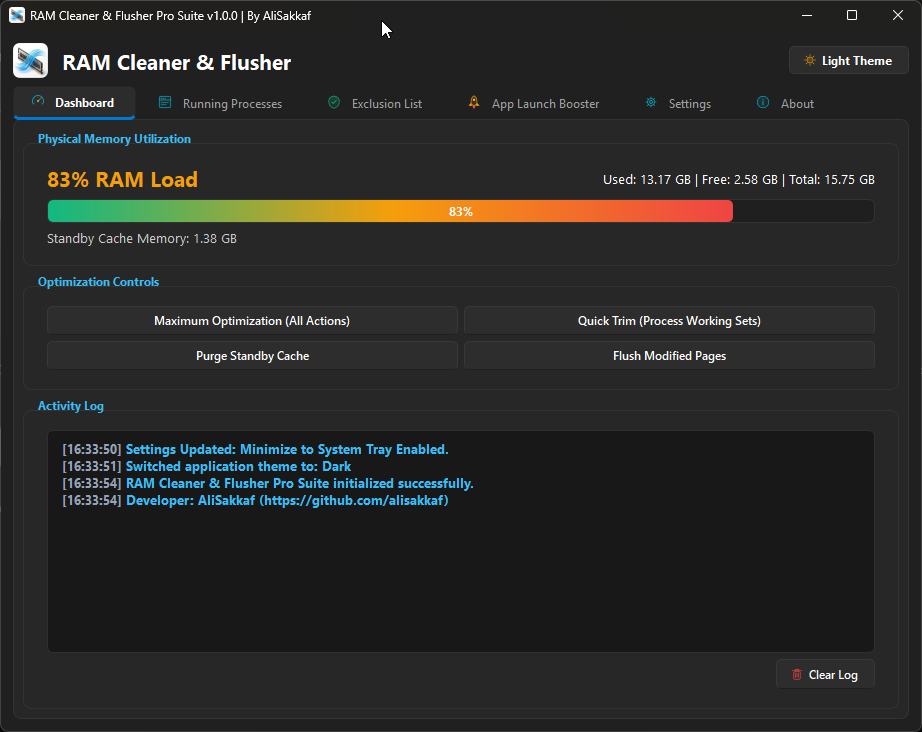 High Physical RAM Load (Before Cleanup)
|
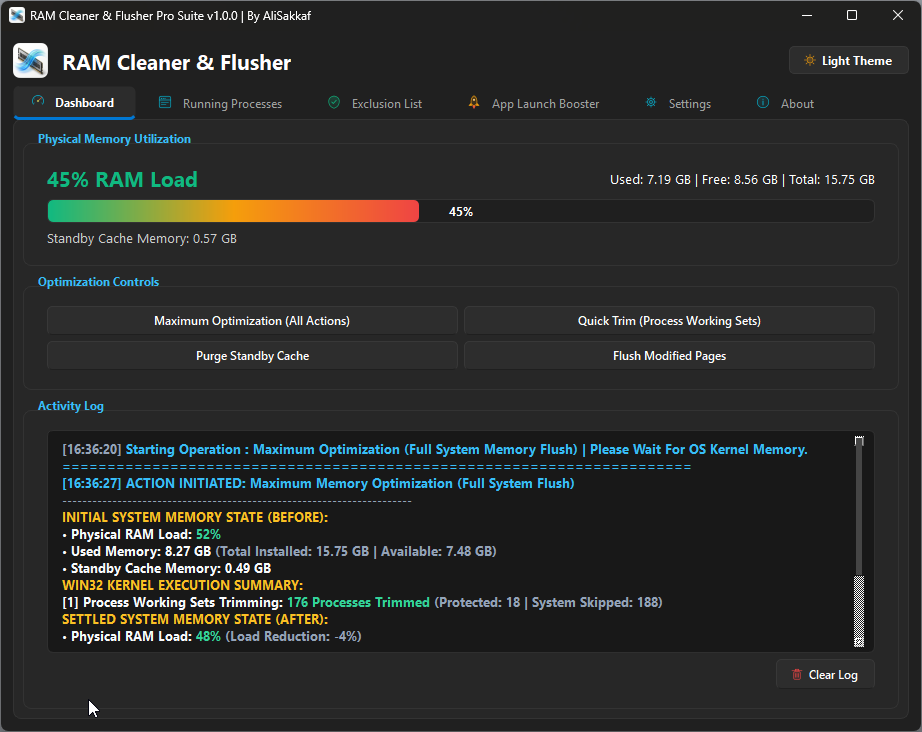 Reclaimed RAM Load (Dark Theme)
|
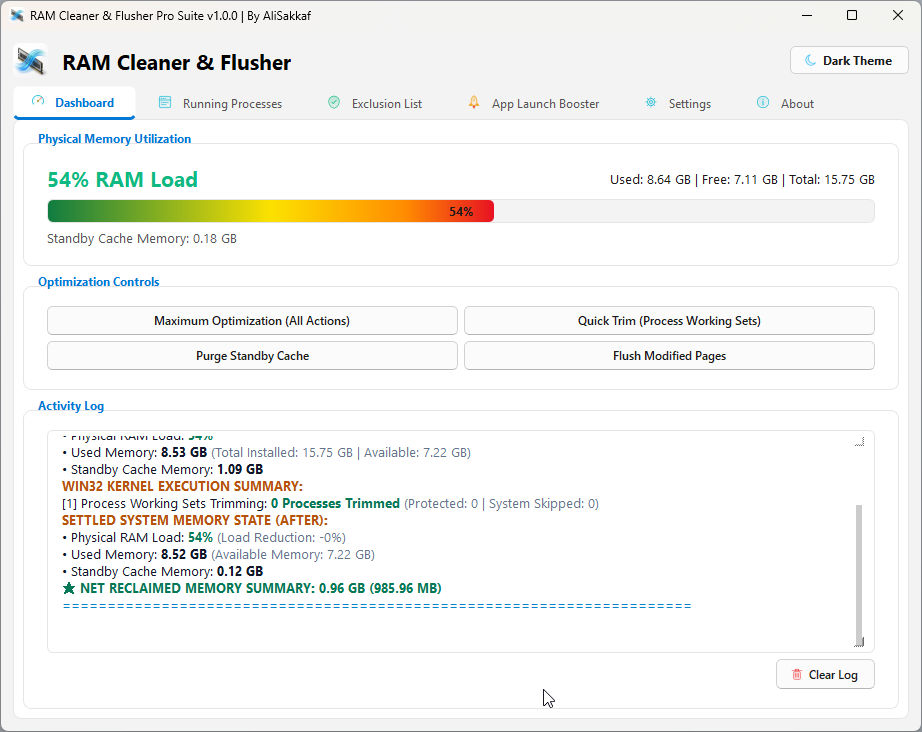 Dashboard (Fluent 2.0 Light Theme)
|
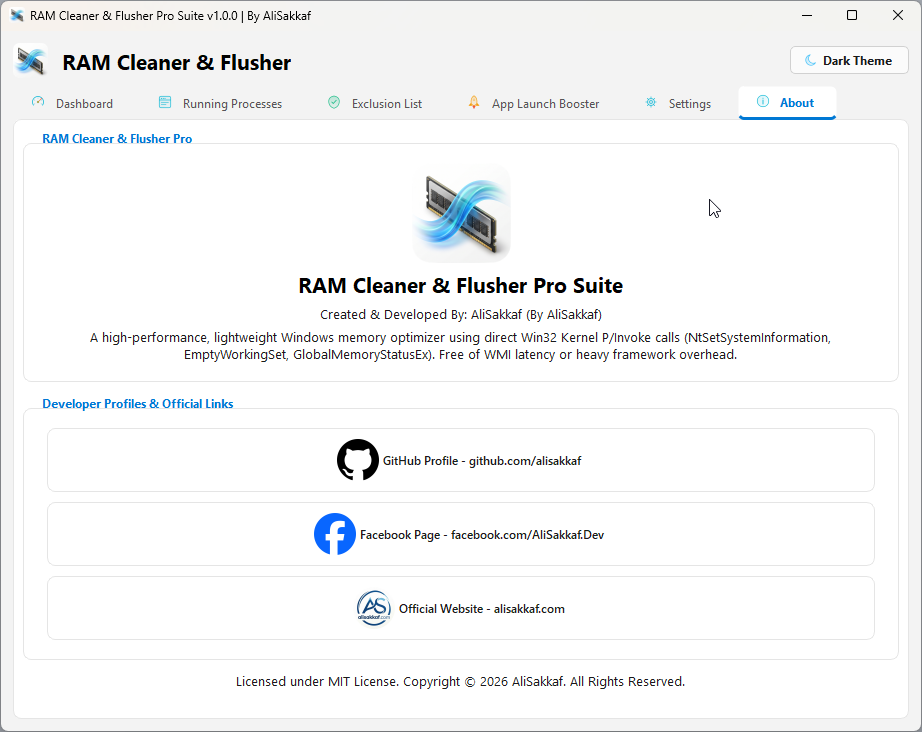 Full Interface (Fluent 2.0 Light Theme)
|
2. Process Tree, Svchost Services & Deep Diagnostics
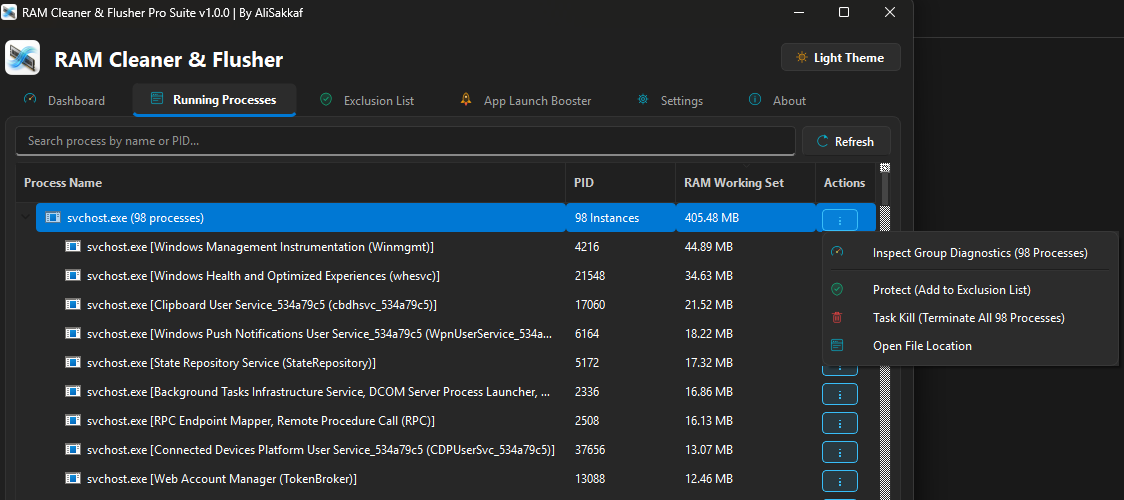 Grouped Running Process Tree
|
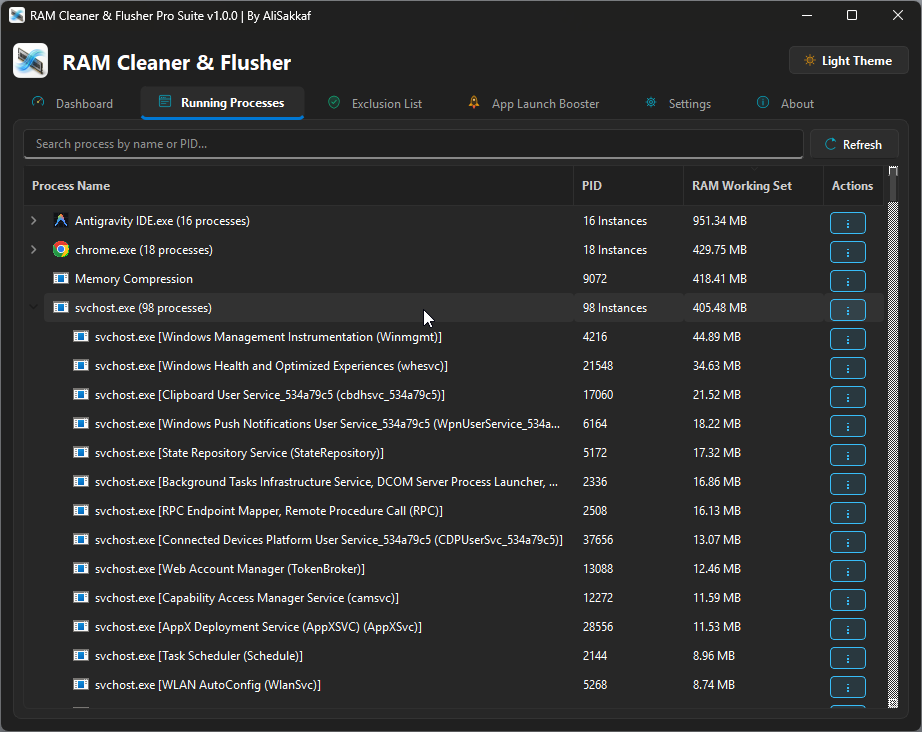 Resolved Svchost Windows Service Names
|
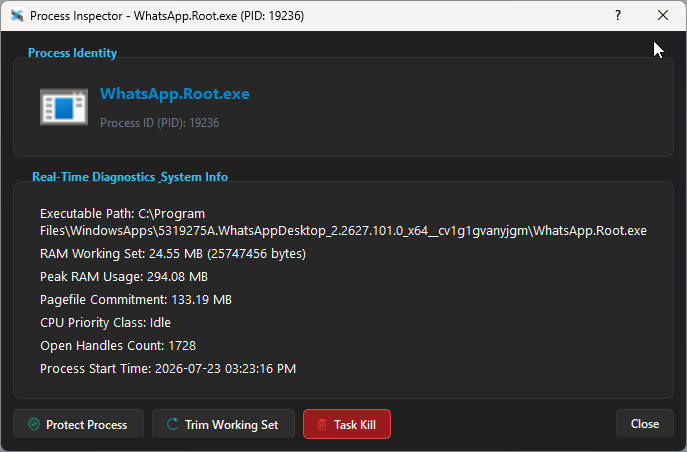 Single Process Inspector Modal
|
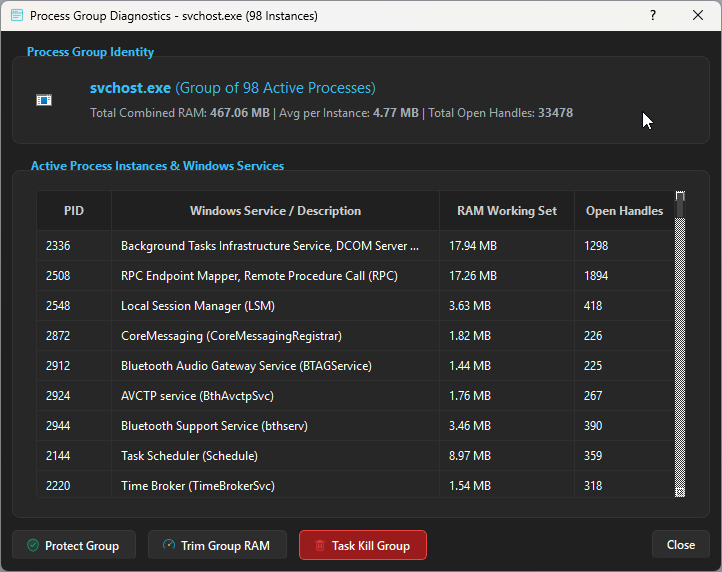 Process Group Diagnostics Modal
|
3. Process Protection, App Launch Booster & Automation
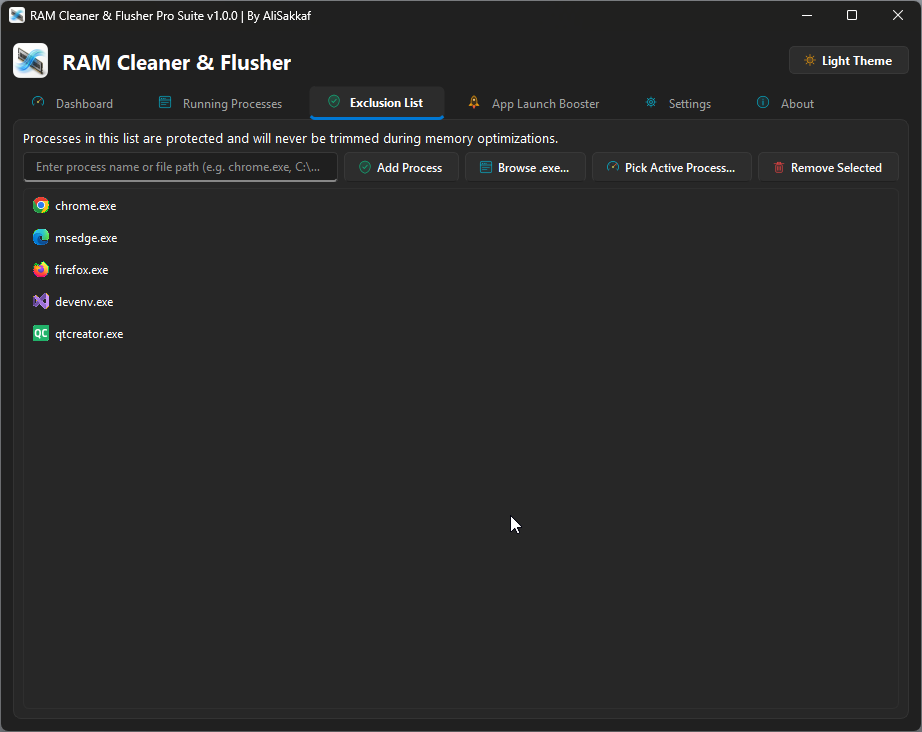 Process Exclusion Protection Manager
|
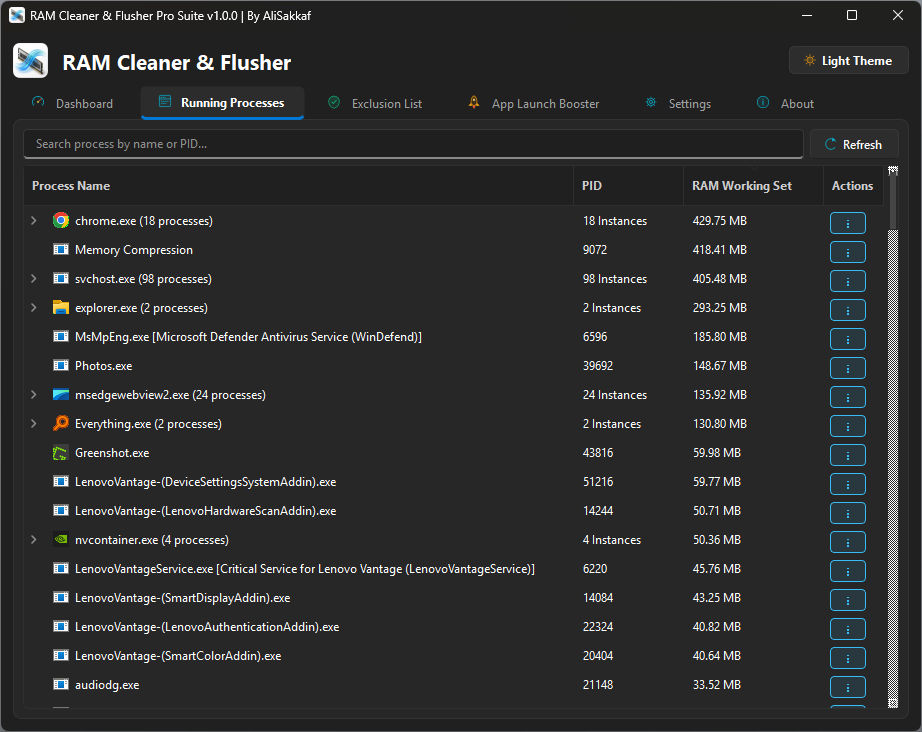 Protected Active Processes View
|
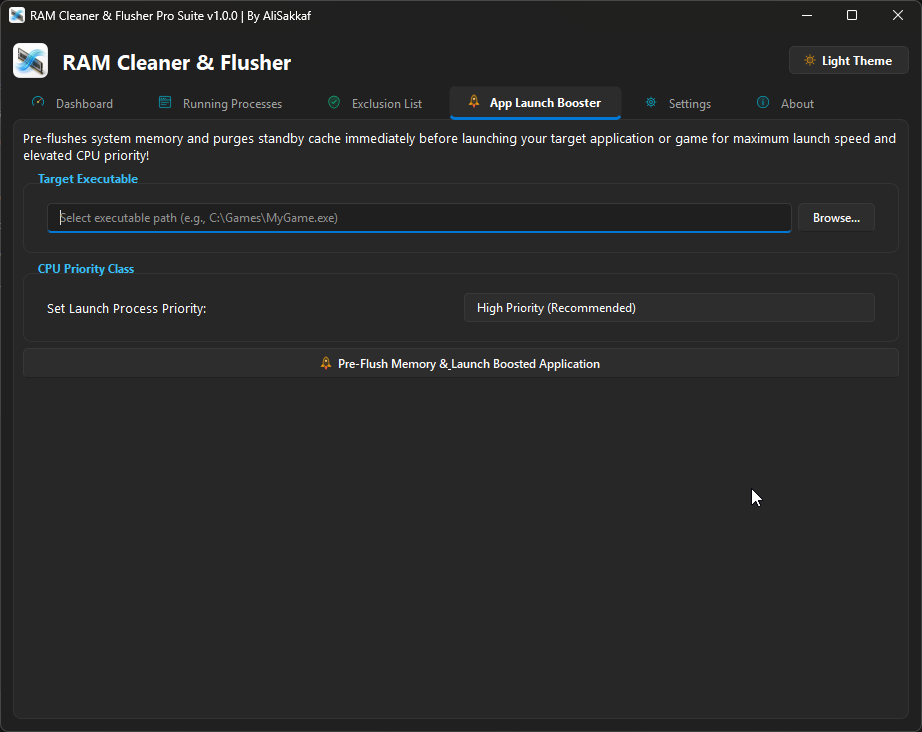 High Priority App Launch Booster
|
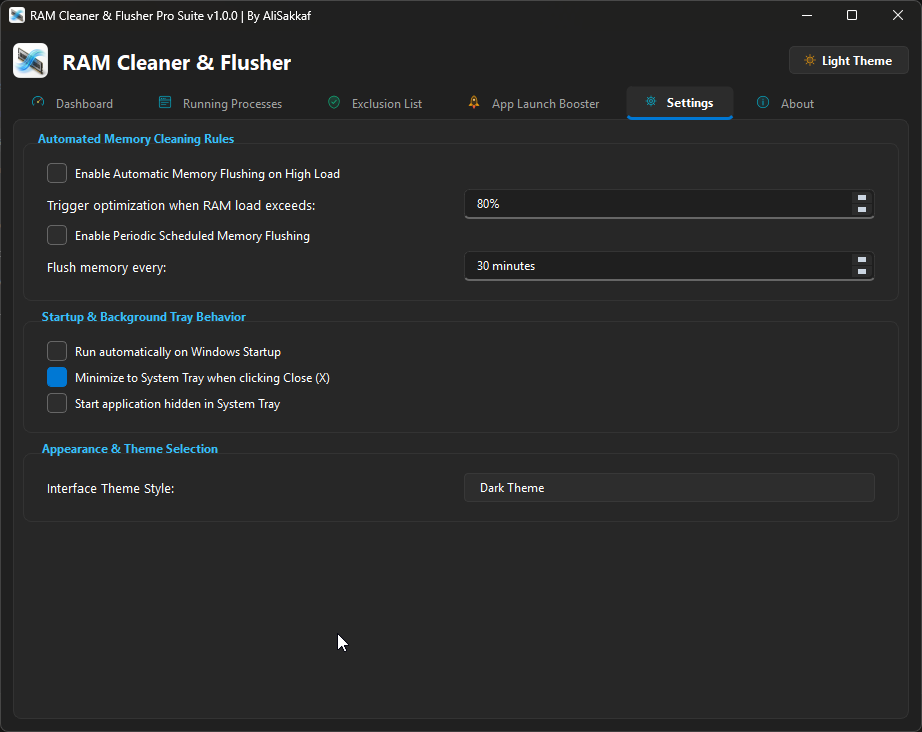 Tray Automation & Threshold Settings
|
4. Light Theme Process View & About Information
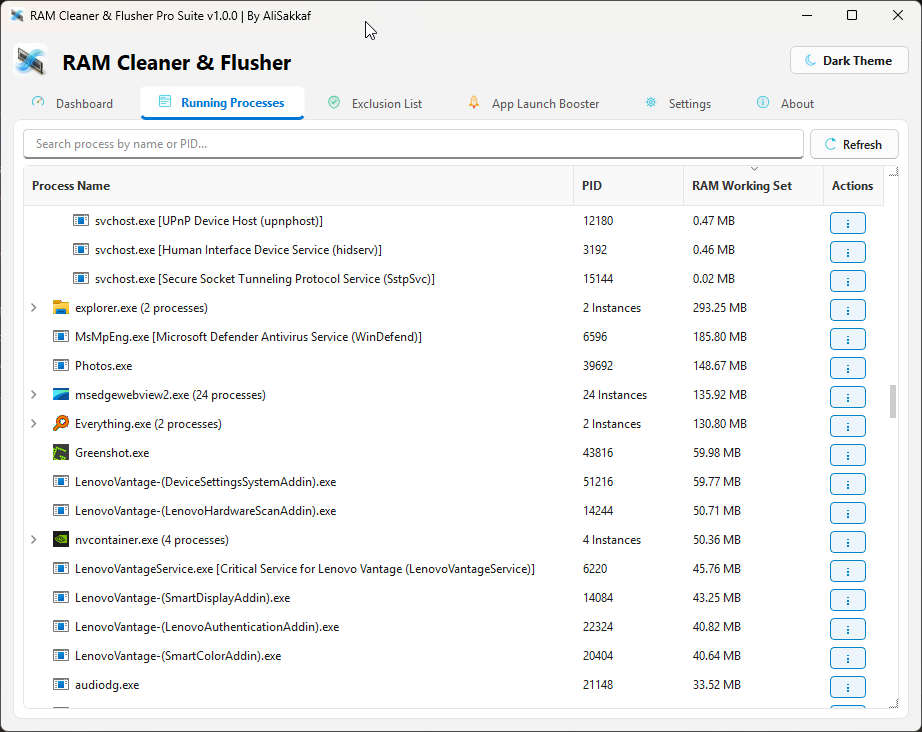 Running Processes (Light Theme)
|
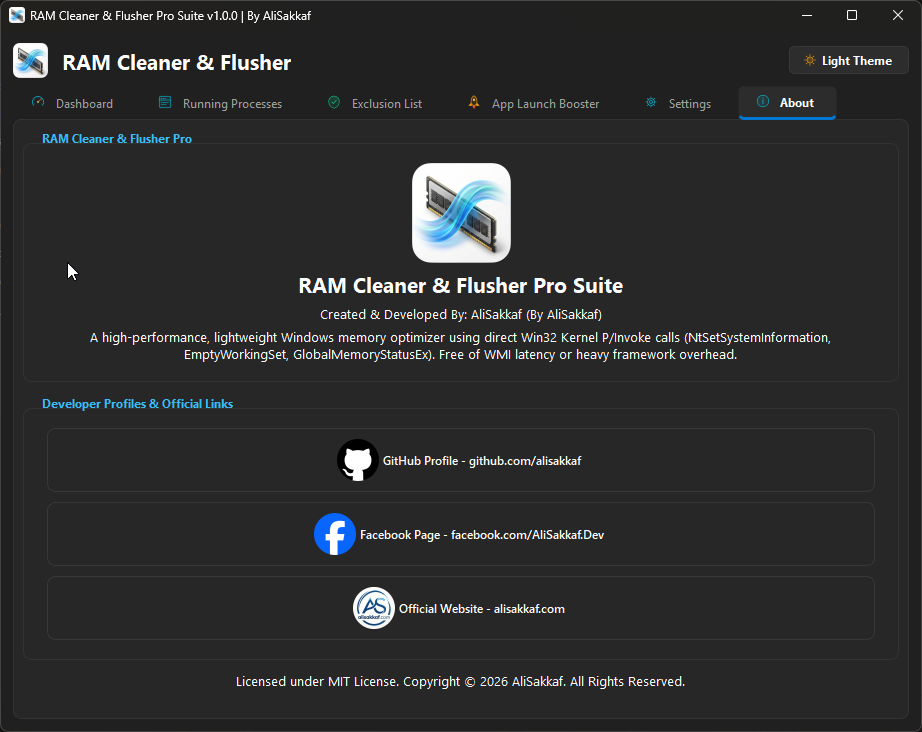 About & Version Metadata Dialog
|
Download & Support the Project
RAM Cleaner & Flusher Pro is 100% free and open-source. Download the software or support ongoing development by giving the project a Star (⭐) on GitHub!
Designed & Developed with ❤️ by AliSakkaf (Ali Al-Sakkaf). Licensed under MIT.