
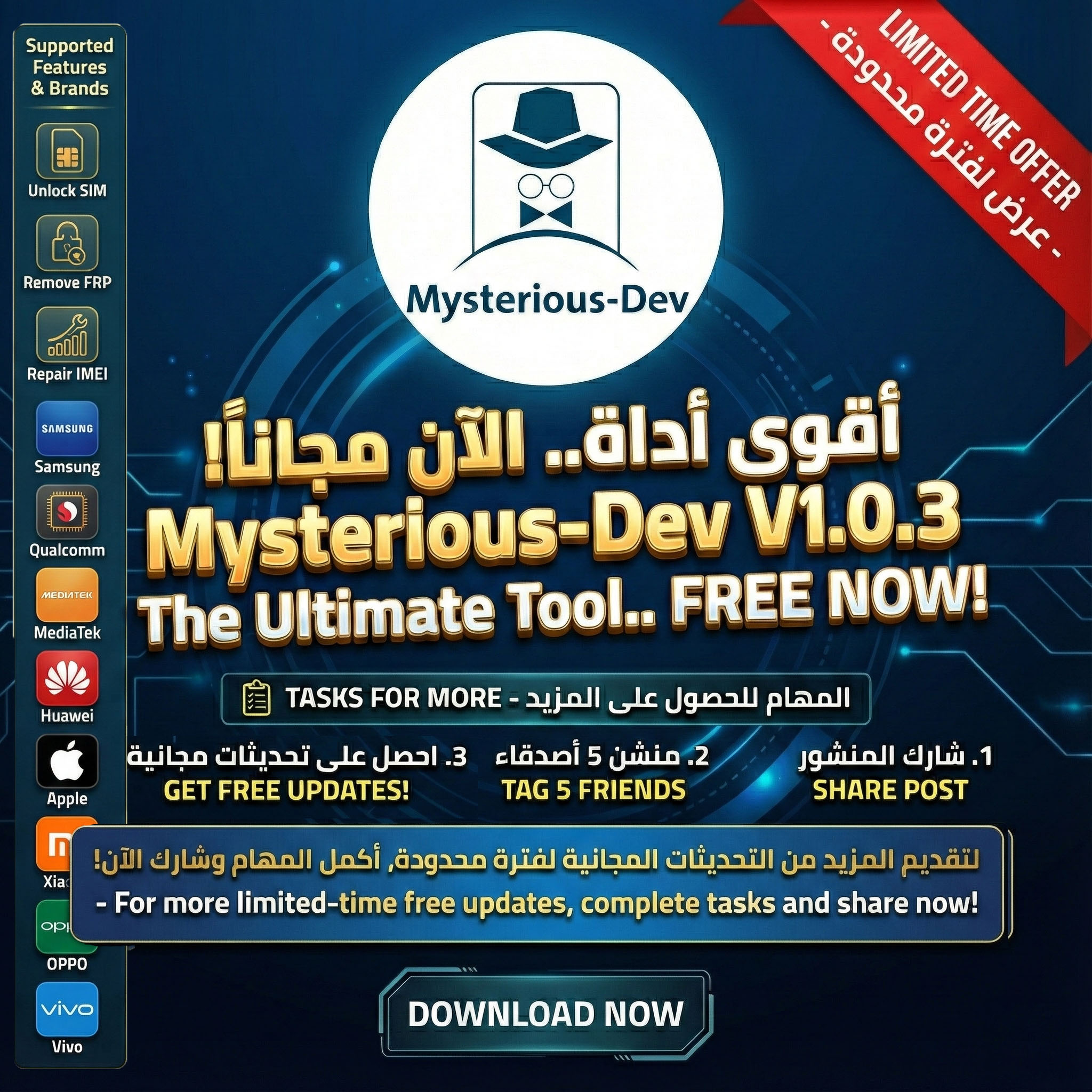
The Massive Updates of Mysterious-Dev Tool: A Comprehensive Guide to V1.1.4, V1.1.3, & V1.1.1

Welcome to the ultimate and highly detailed guide for the Mysterious-Dev Tool. This software is a revolutionary breakthrough in the world of smartphone software repair and programming, offering radical and 100% safe solutions to complex problems faced by technicians daily. In this extensive article, we will dive deep into the massive features brought by the recent updates (V1.1.4, V1.1.3, and V1.1.1).
Tool Explanation, Features, and How to Download
🚀 Latest Update Mysterious-Dev V1.1.4: Speed & Efficiency
This release crowns the continuous development efforts, offering indispensable features for every software technician:
🔓 One-Click Samsung FRP Bypass [Test Mode / *#0*#]
- Super Fast: Remove Factory Reset Protection (FRP) in just a few seconds!
- No Hardware Teardown: 100% safe USB-only method. No need to open the back cover, no Testpoints, and zero risk.
- Universal Model Support: Fully supports all Samsung families, including Galaxy Z Fold / Z Flip, Galaxy S, Note, A, M, F, and J series.
- All CSCs Supported: Works flawlessly on any carrier, region, or country code worldwide.
- Wide Android Compatibility: Supports all Android versions from Android 5 up to Android 15 (Security patches up to 2024).
- Fully Automated: Auto-detects device, enables ADB automatically, bypasses the setup wizard, and reboots the phone ready for use.
🌐 Device Translation & Localization
- One-Click Translation (Morelocale): Supports all versions from Android 4 up to Android 16. Automatically downloads, installs, and configures the language along with a supported Keyboard.
- General Android Translation (ADB): Instantly translate any Android device via ADB (No Root needed). Supports 40+ languages (Arabic, Indian, Kurdish, Turkish, Persian, etc.) across Android 5 to Android 16.
✅ Download Mode Operations (Old Security)
- Safely remove FRP & Samsung Account via Download Mode.
- Automatic device information reading (DID, UN, Model, Build Number, Sales Code, etc.).
- Secure remote payload fetching logic from the server dynamically.
🔥 Massive Update Mysterious-Dev V1.1.3: The Power of Qualcomm
This update introduced a massive power-up to your workflow by adding full Qualcomm support for over 332 Samsung Models, granting unprecedented control in EDL Mode.
Supported Operations in EDL Mode:
- Flash Firmware: Safely and stably flash devices.
- Partition Manager: List Device Partition [GPT], Read, Erase, Write, and Restore Backup for critical partitions.
- General Services: Detailed device information reading.
- Protection Removal: Remove FRP [General & Samsung], Factory Reset [EXT4 & Safe Mode], and Remove Screen Lock.
- Samsung Specific Services: Remove Samsung Lost Mode, Reset KG Status, and Change KG Status [Broken/Error].
- Security Data: Comprehensive EFS & Oeminfo Data Manager.
🛠️ Mysterious-Dev V1.1.1 Update: Universal FRP Bypass
This update added a highly anticipated feature: the Universal FRP Bypass supporting devices up to Android 16. This makes the tool a future-proof solution for dealing with the latest security patches and operating systems. It also included massive improvements to user interface stability and server communication logic.
📱 Massive Supported Models List (Samsung)
The tool supports hundreds of models to cover all technician needs. Here are the highlights:
Z Series & Foldables
- Galaxy Z Fold6 all variants [SM-F956W, SM-F956U, SM-F956N, SM-F956B...]
- Galaxy Z Fold5, Z Fold 4, Z Fold 3, Z Fold 2, Fold 5G.
- Galaxy Z Flip6 [SM-F7410, SM-F741W, SM-F741U...]
- Galaxy Z Flip5, Z Flip 4, Z Flip 3, and 5G variants.
S Series
- Galaxy S24 family (S24 Ultra, S24+, S24) all security patches.
- Galaxy S23 family (Ultra, Plus, FE).
- Galaxy S22, S21, and S20 families (including FE, Ultra, and Plus).
- Older generations: S10, S9, S8, S7, S6, S5 with various CPUs (Exynos & Qualcomm).
Note & Tab Series
- Galaxy Note 20 Ultra 5G, Note 10+, Note 9, Note 7, Note 5, Note 4.
- Galaxy Tab S10 Ultra, S9 Ultra, S8, S7, S6, S5e, S4, S3.
- Galaxy Tab A series various builds (A9+, A7, A 10.5...).
A, M, F & J Series
- Galaxy A90, A80, A73, A72, A71, A70, A52, A51, A42, A36, A23, A11, A05s, A02s, A01.
- Galaxy M55, M52, M44, M23, M14, M11, M01.
- Galaxy F55, F14, F02s.
- The classic J series: J7, J5, J3, J2, J1 and all their sub-models.
📥 Download & Support Links
Get your copy now and join the community of professionals:
- Official Download Link: Click Here to Download
- Official Website: Mysterious-Dev Website
- Full Supported Models List: View Models
- Official Blog: Mysterious-Dev Blog
- Distributors & Resellers: Contact via WhatsApp or visit the Resellers Page
Connect With Us:
- Telegram Channel: MysteriousDevOfficial
- Support Telegram: MysteriousDevSupport
- Facebook Page: MysteriousDev1
- Facebook Community: Mysterious-Dev Group
- YouTube Channel: Subscribe Now